
Temika

Linux System Administrator Training

Mastering Linux system administration for enterprise and cloud infrastructure.

Join Linux System Administrator Training

Linux System Administrator training is designed to equip participants with the knowledge and practical skills to manage Linux servers, configure networks, ensure security, monitor performance, and troubleshoot issues. This training is suitable for IT professionals, network engineers, and anyone who wants to become a Linux administration expert.

Benefits of Joining Training at Temika Cyber

Hands-on Lab Server Real Case

Hands-on practice configuring Linux in a VM or cloud.

Network & Server Administration Simulation

Set up DNS, DHCP, firewall, and VPN.

Monitoring & Automation

Using tools like Nagios, Prometheus, Ansible.

Troubleshooting & Security Hardening

Learn to diagnose and fix system issues.

Industry-Relevant Materials

Enterprise standards and best practices of Linux admin.

Official Certificate Temika Cyber

Evidence of competence in the professional world.

Why Should You Master Linux Sys Admin?

Continuous Monitoring and Incident Response

⭐ The Most Popular Server Operating Systems

Many companies use Linux for servers, cloud, and containers.

Data Analysis & Collection

🚀 High Demand Skills

Professional Linux sysadmins are in high demand in the IT & cloud industry.

Initiate incident response protocols

🛡️Cloud Security & Infrastructure Fundamentals

Becoming the foundation for security, DevOps, and infrastructure automation.

Jadwal Pelatihan

Pelatihan dimulai

Program Akan dilaksanakan secara: –
Periode Kelas: –
Estimasi Durasi Belajar: –

Training Objectives

After successfully completing this course, participants will be able to:

  • Understanding Linux architecture and administration.
  • Managing users, groups, and file permissions.
  • Network and firewall configuration on a Linux server.
  • Monitoring the system and server performance.
  • Performing backup, restore, and server maintenance.
  • Securing the server from threats and intrusions.
  • Automating admin tasks using shell scripting and Ansible.

Syllabus

  • Module 01 – Introduction to Linux OS
    • History and distributions
    • Linux architecture
    • File system basics
  • Module 02 – Command Line & File Management
    • Basic commands, navigation, and file manipulation
    • Permissions and ownership
  • Evaluation
    • Mini quiz on Linux basics and file system operations
  • Module 03 – User & Group Management
    • Creating, modifying, and deleting users
    • Managing groups and permissions
  • Module 04 – Linux Networking
    • Network interfaces and configuration
    • Firewall basics with iptables/ufw
    • DNS, DHCP, and routing basics
  • Evaluation
    • Hands-on: configure users, groups, and network settings
  • Module 05 – Package Management
    • Using apt, yum, and dnf
    • Installing, updating, and removing packages
  • Module 06 – Process & Service Management
    • Systemd basics
    • Managing processes, services, and logs
  • Evaluation
    • Hands-on: install packages and manage services
  • Module 07 – Local Storage & Database
    • Shared Preferences & SQLite
    • Hive for NoSQL storage
  • Module 08 – Animations & UI Enhancements
    • Implicit and explicit animations
    • Custom transitions and effects
  • Evaluation
    • Hands-on exercise: Implement animations and store data locally
  • Module 10 – Linux on Cloud
    • Deploying Linux servers on AWS/GCP
    • Connecting services & managing cloud instances
  • Module 11 – Final Project
    • Build and configure a multi-user Linux server environment
    • Setup networking, firewall, monitoring, and automation
  • Evaluation
    • Project review & presentation
    • Mentor feedback session

Meet Your Expert

Trainer 1

Ethical Hacker

Trainer 2

Ethical Hacker
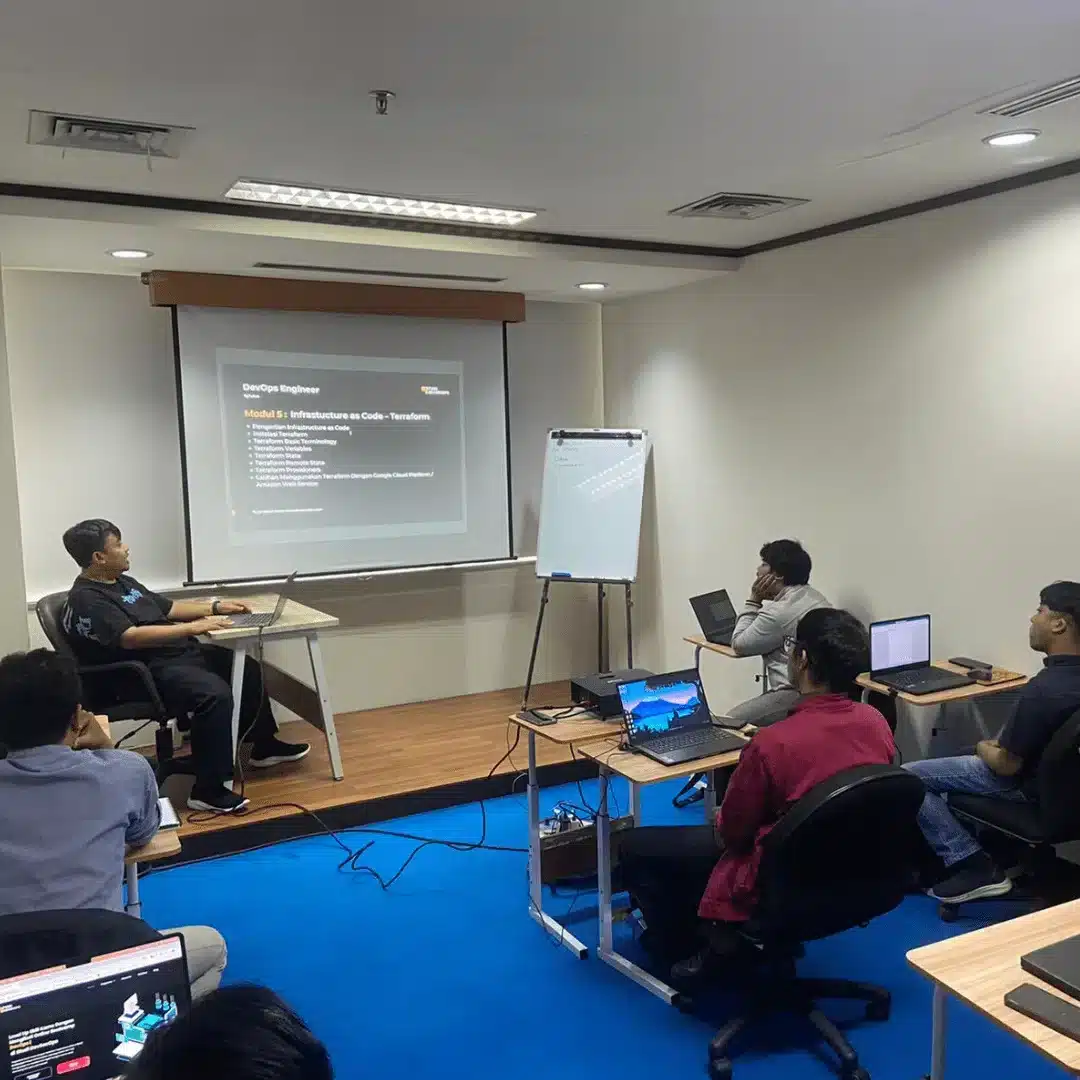
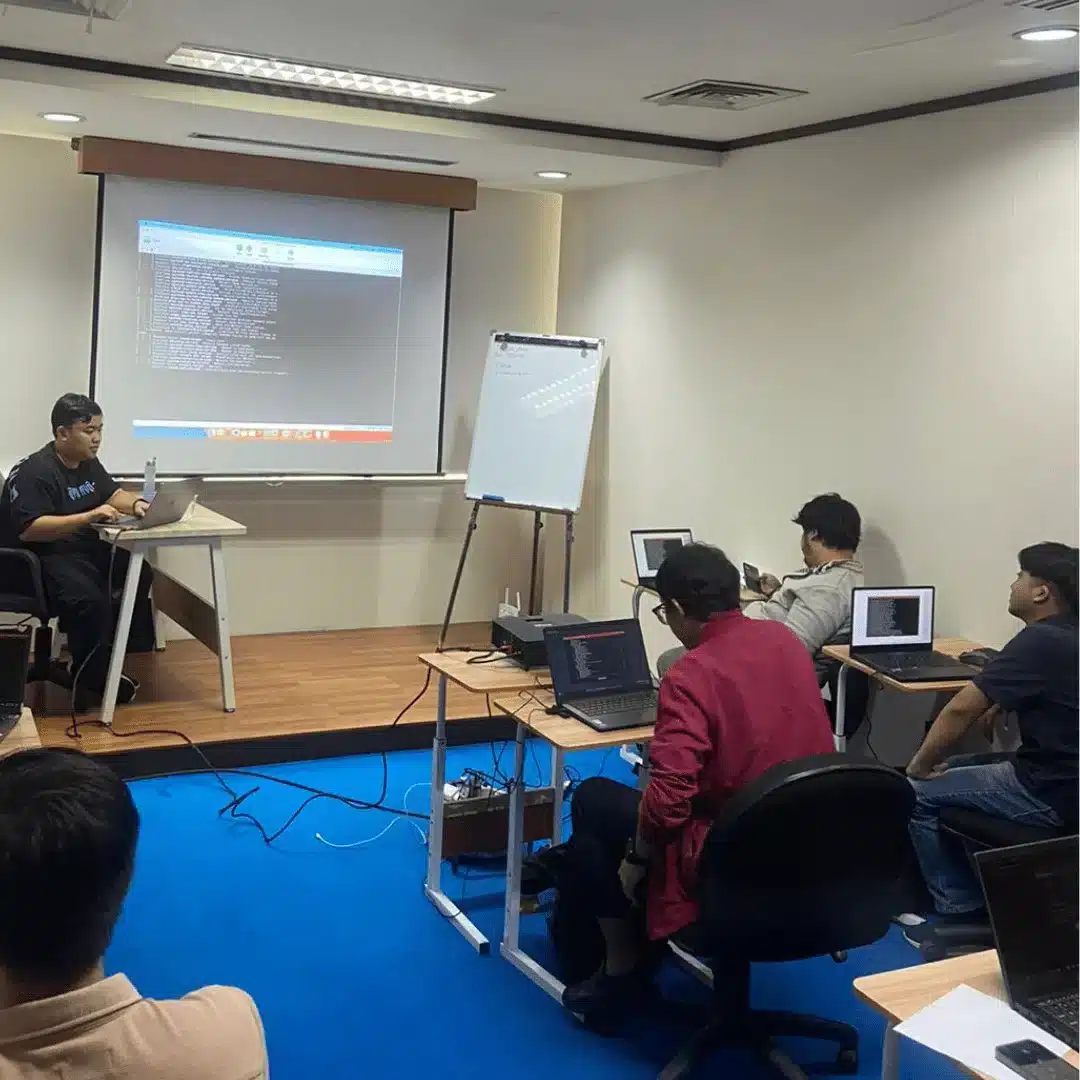
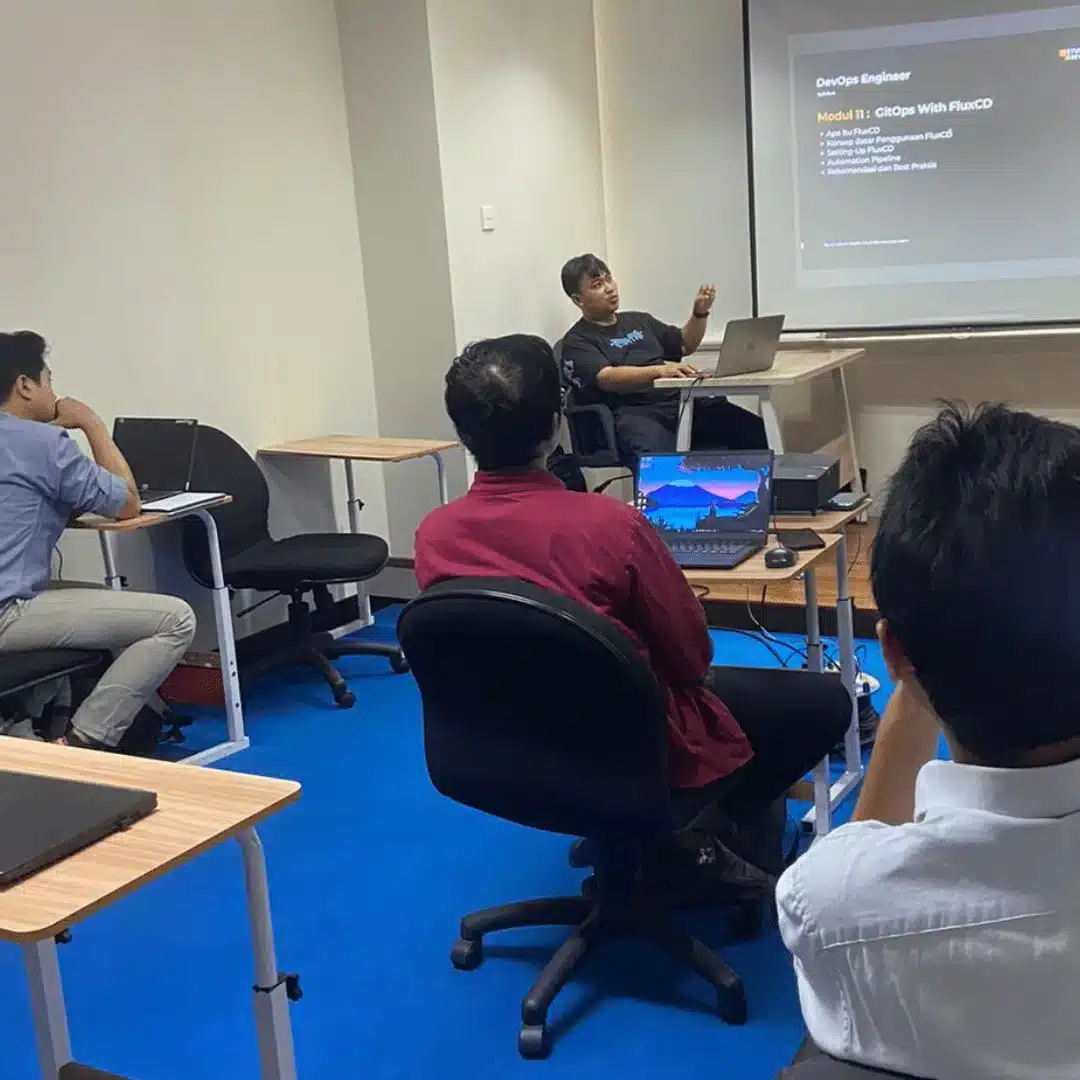
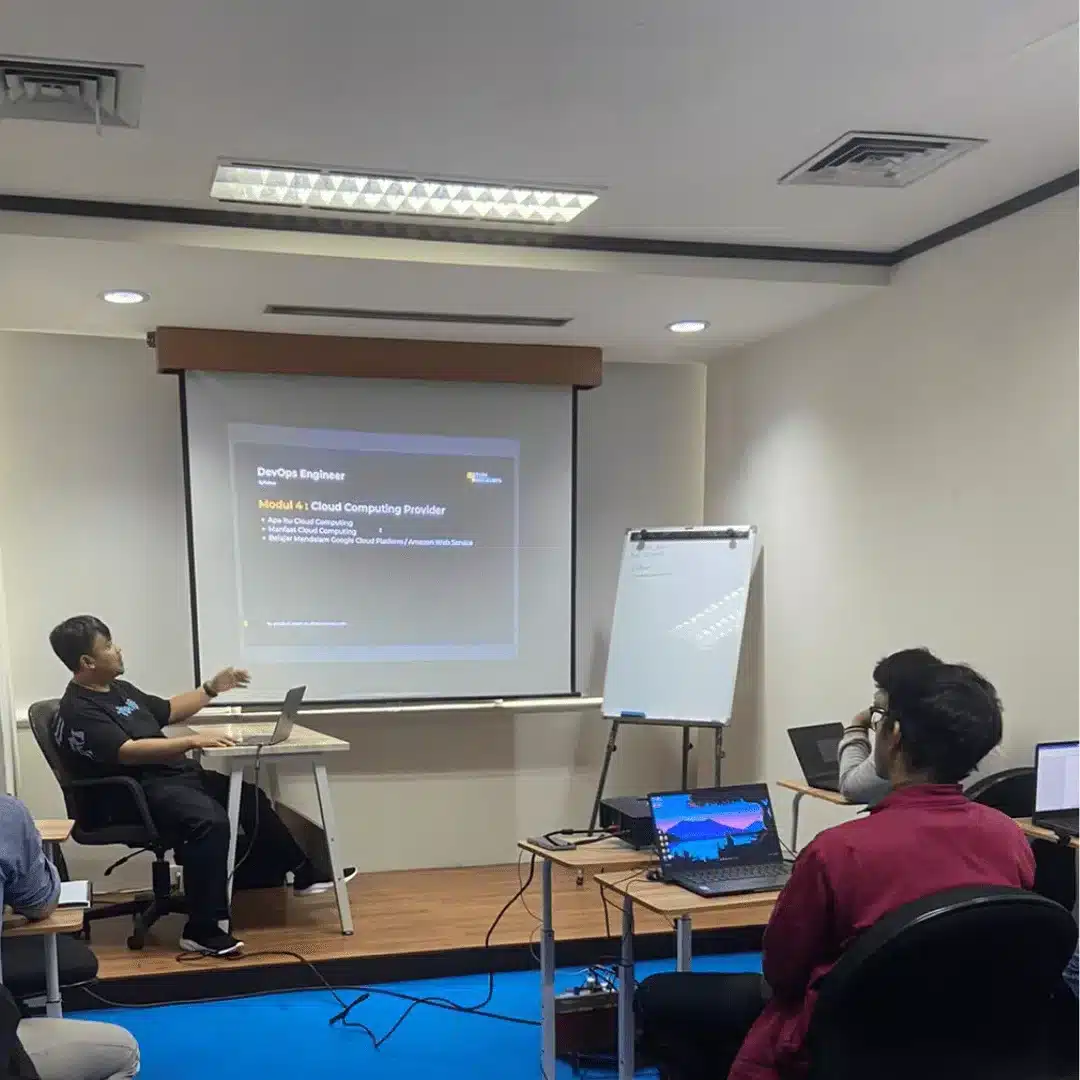
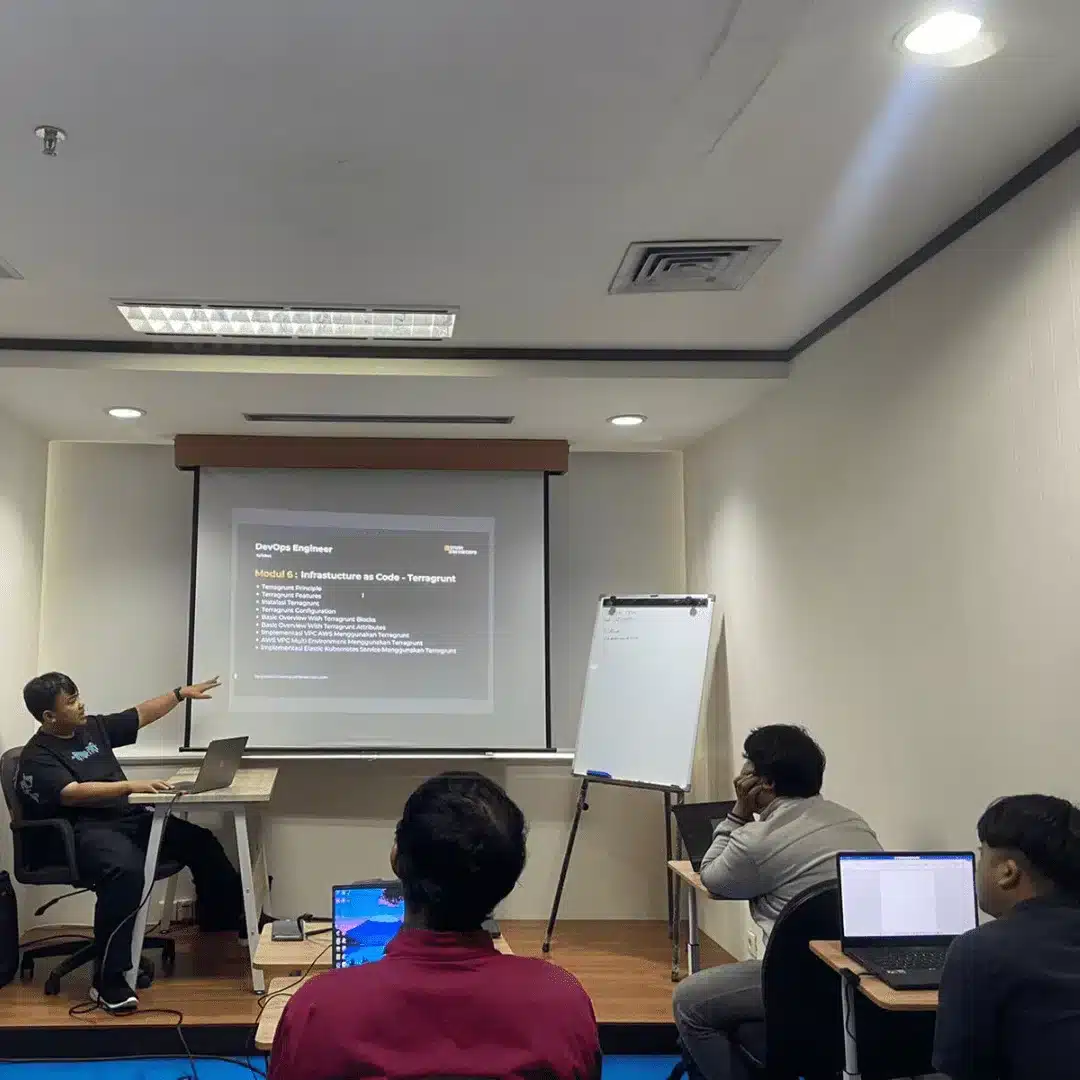
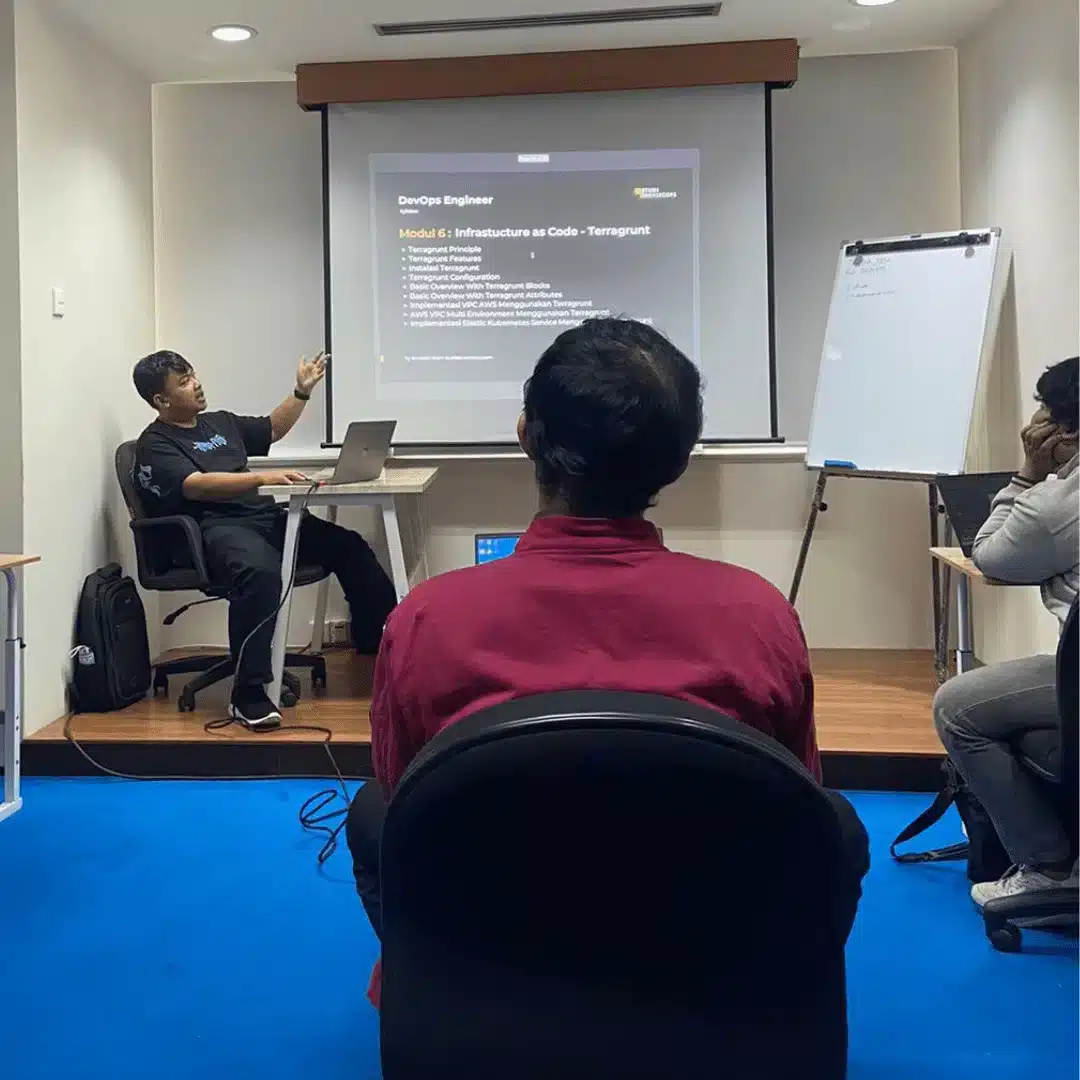
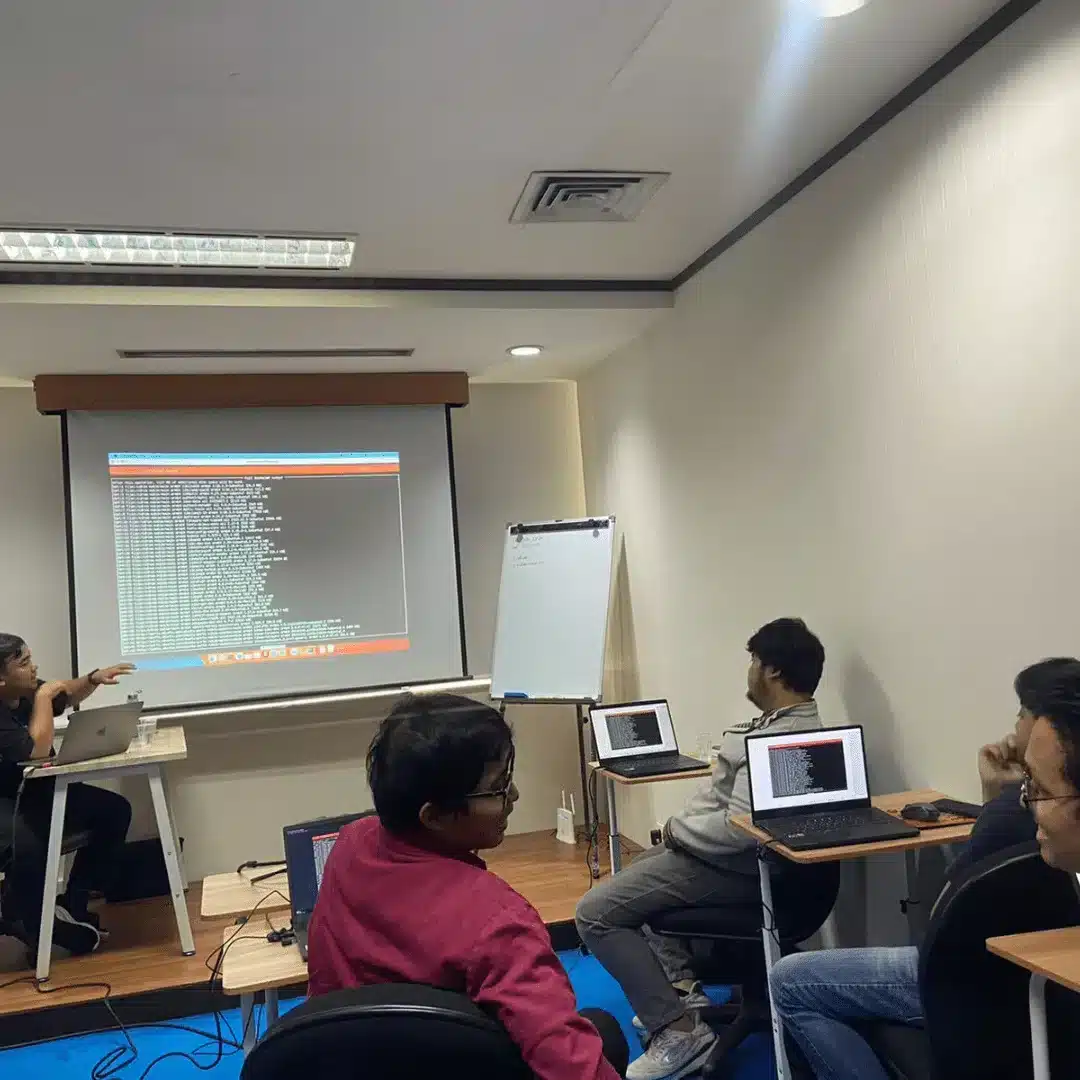
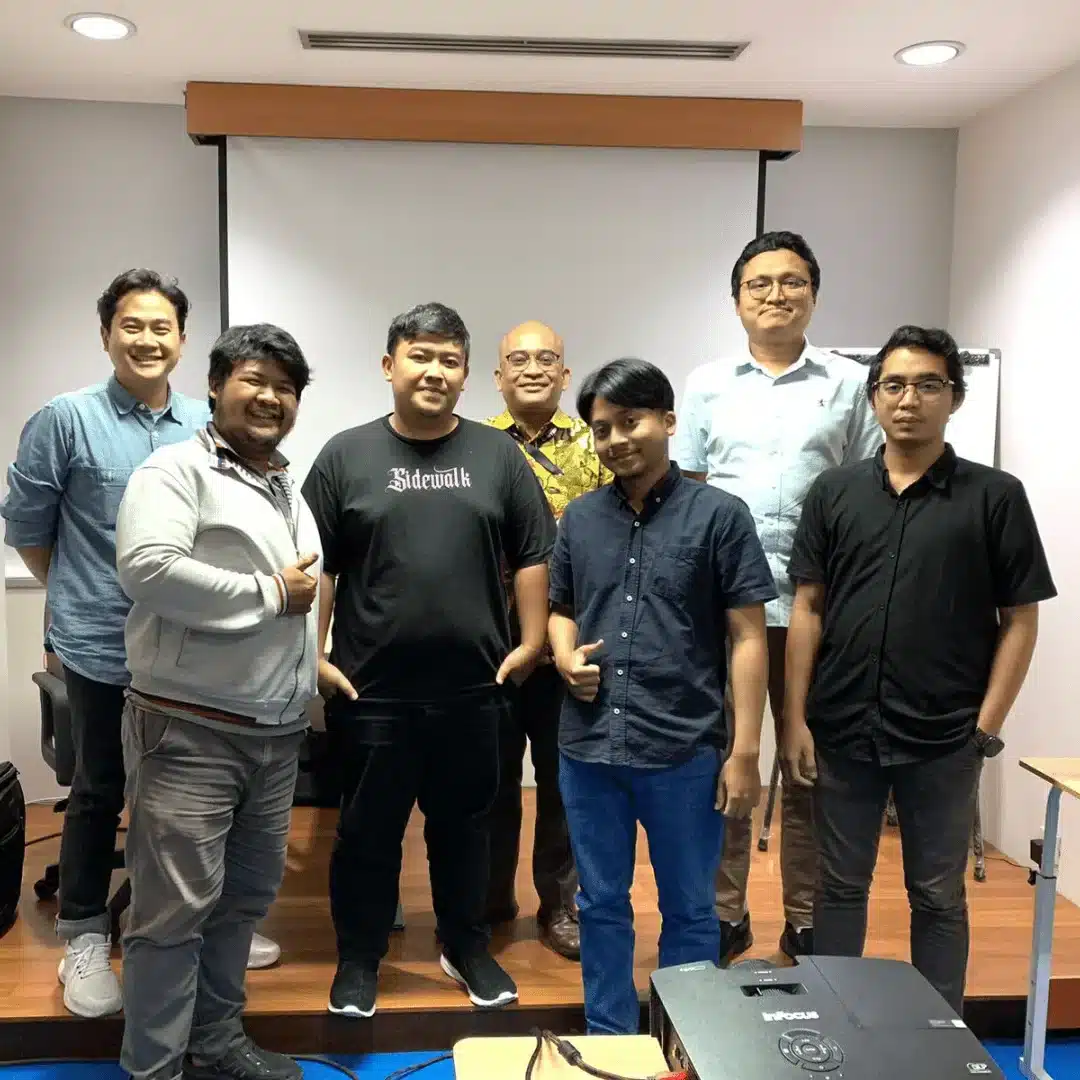
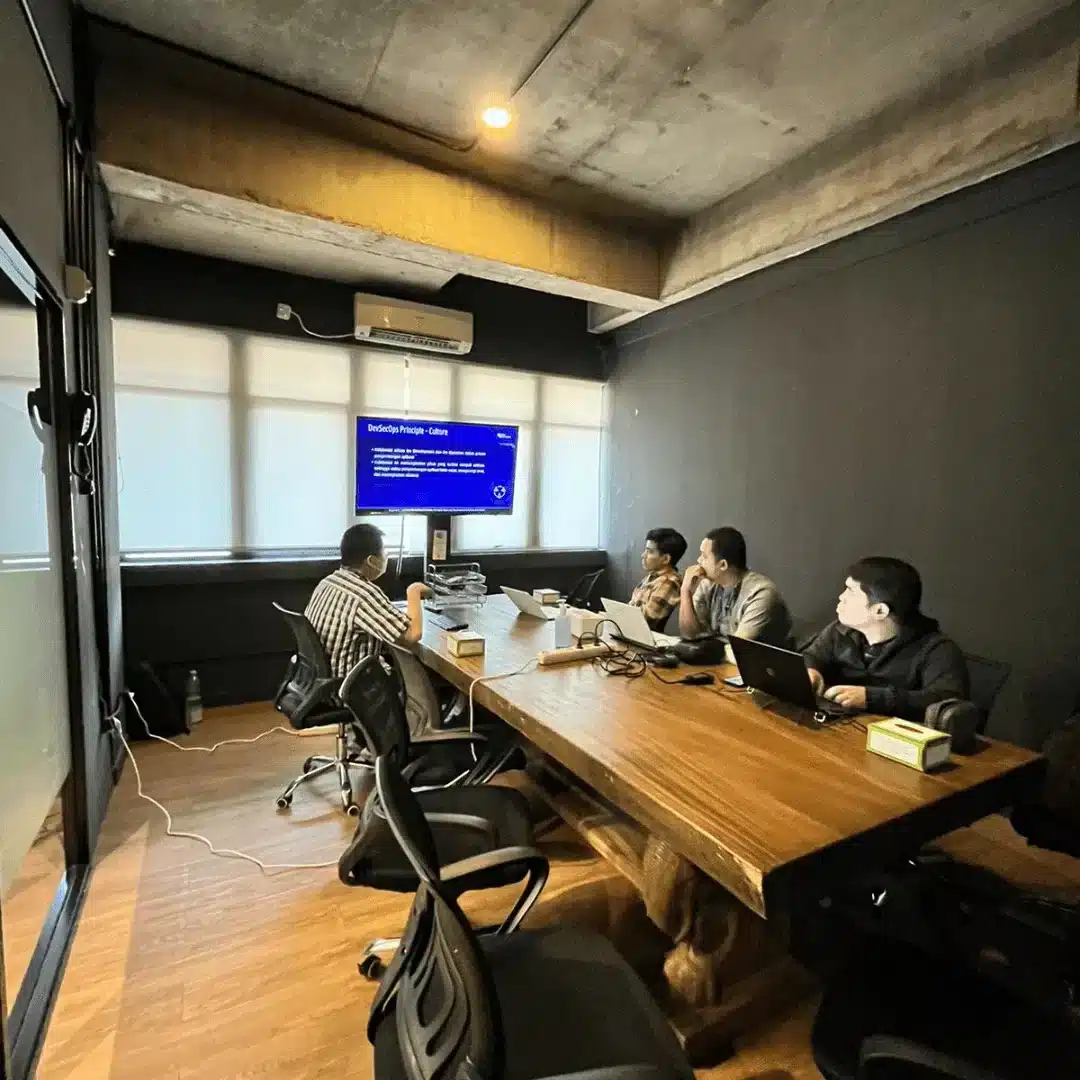
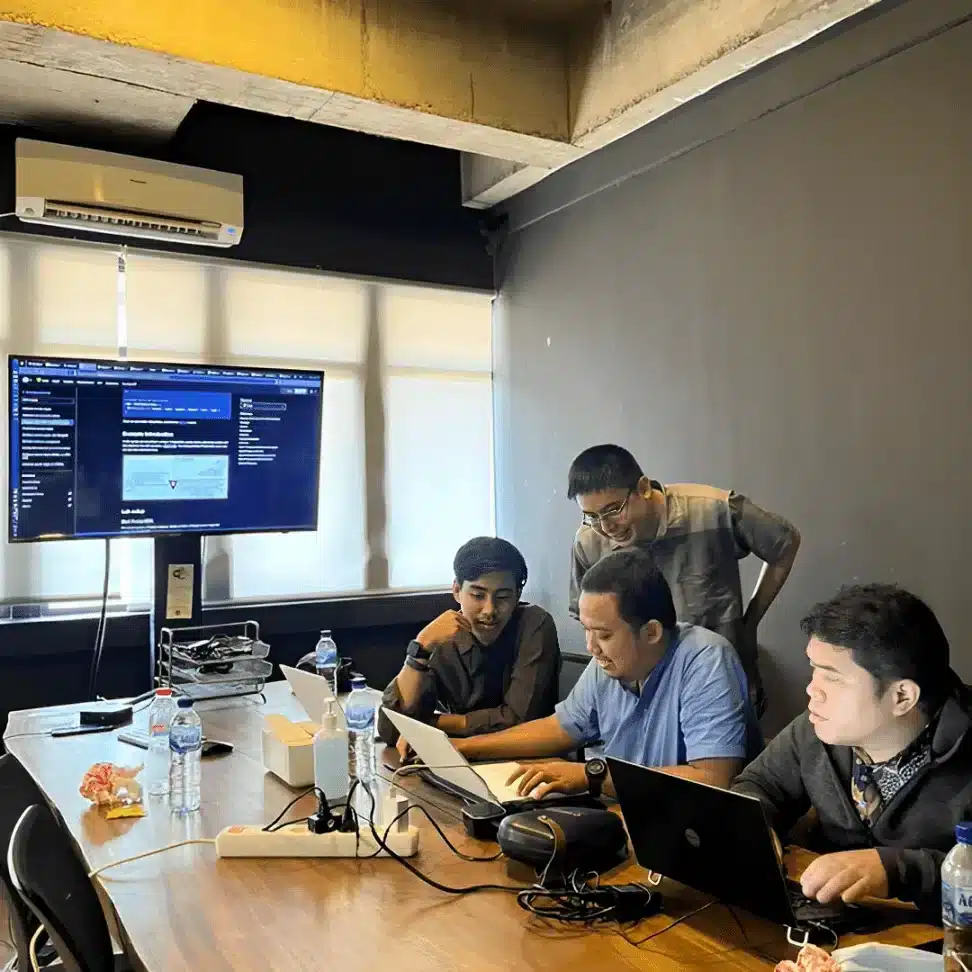
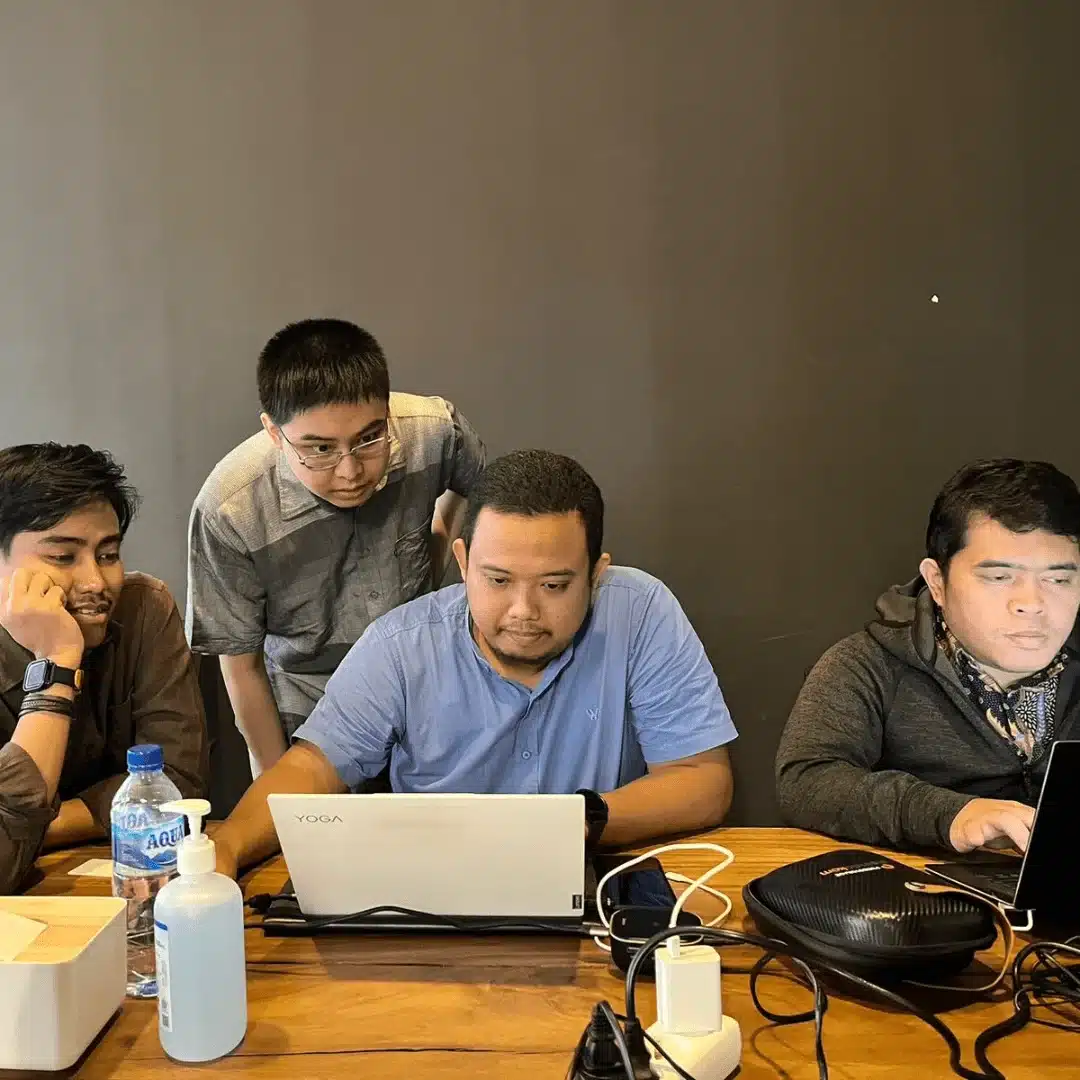
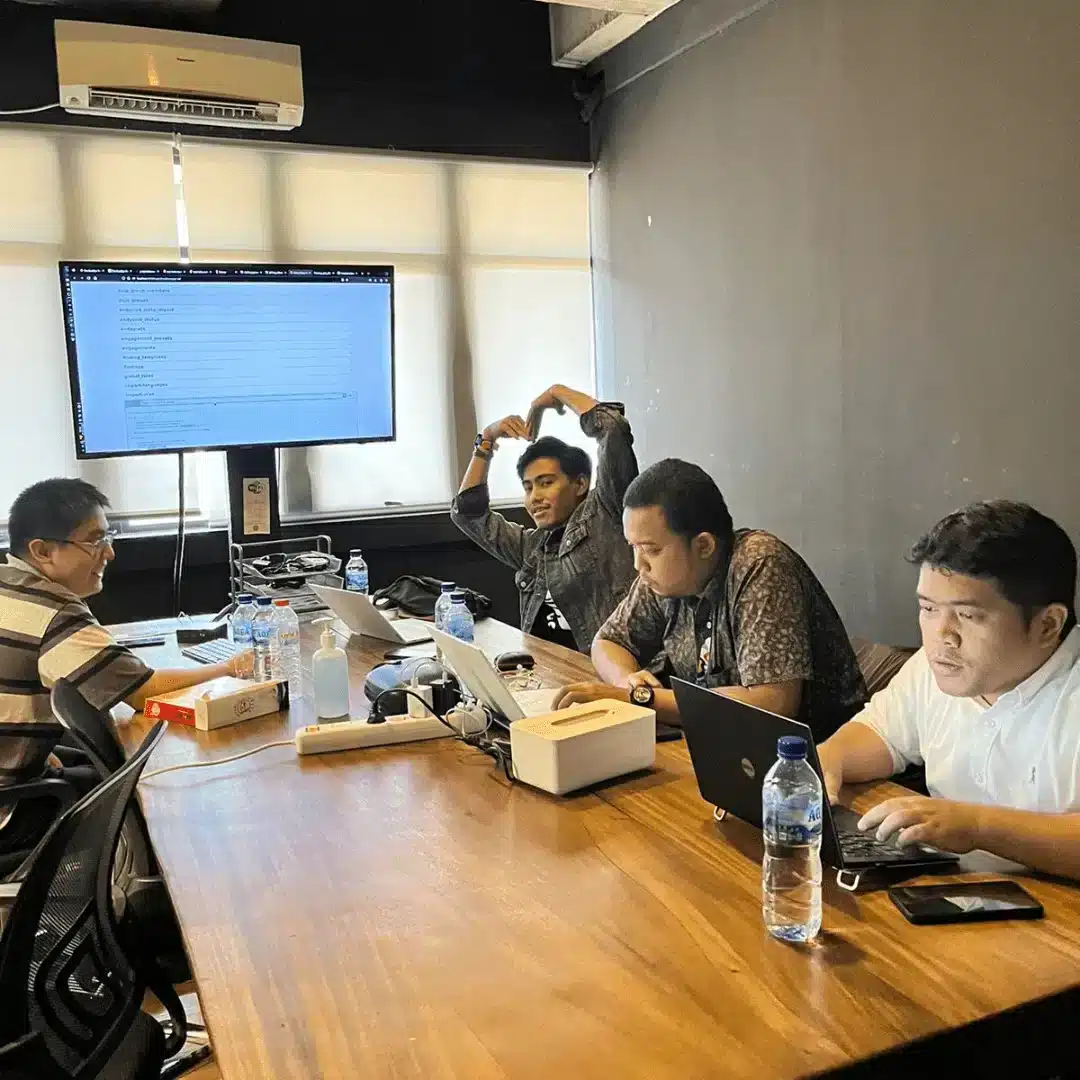
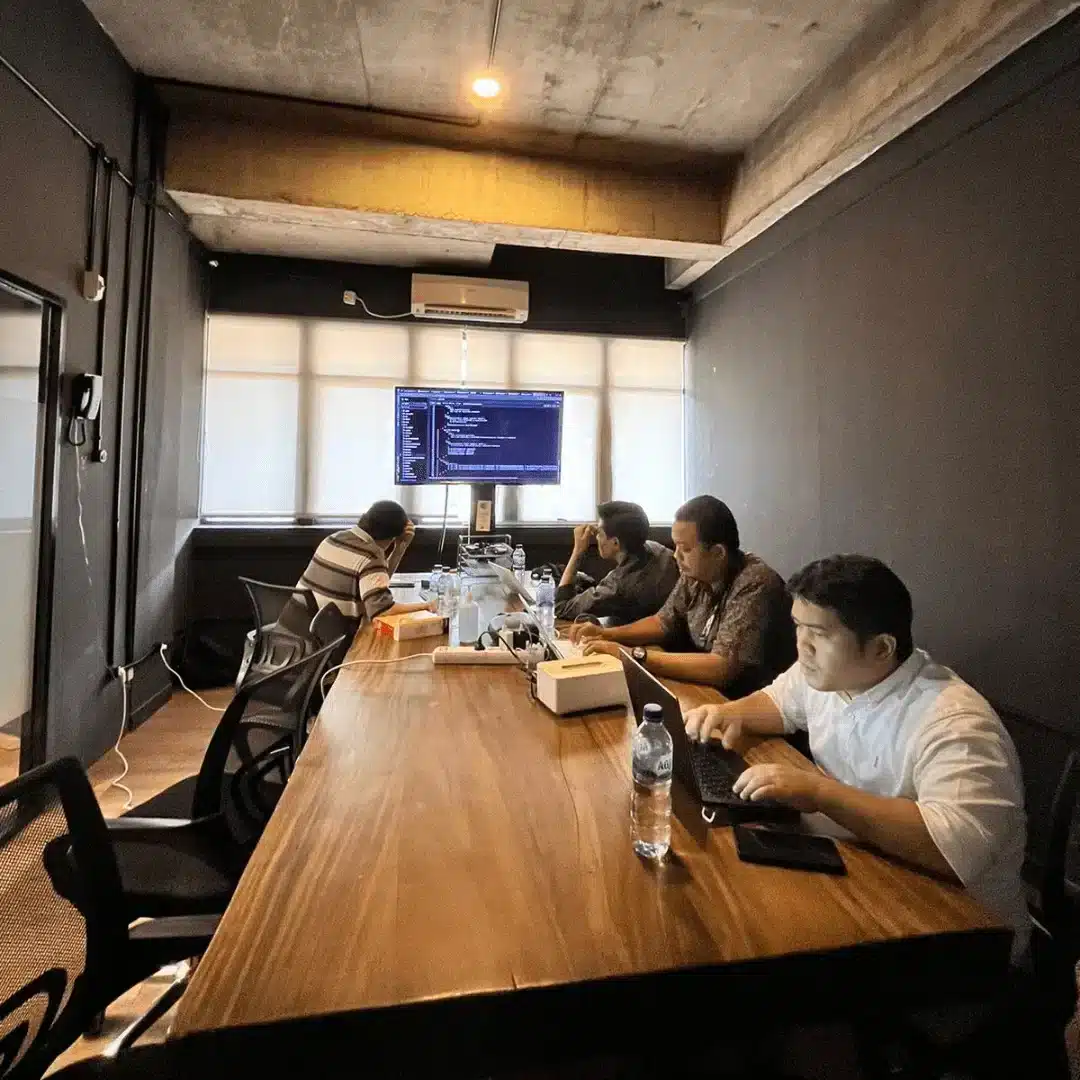
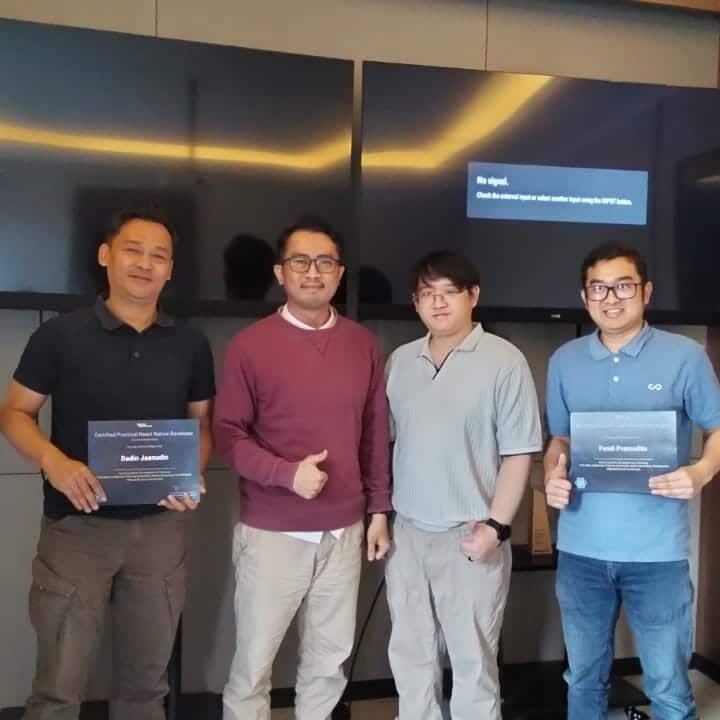
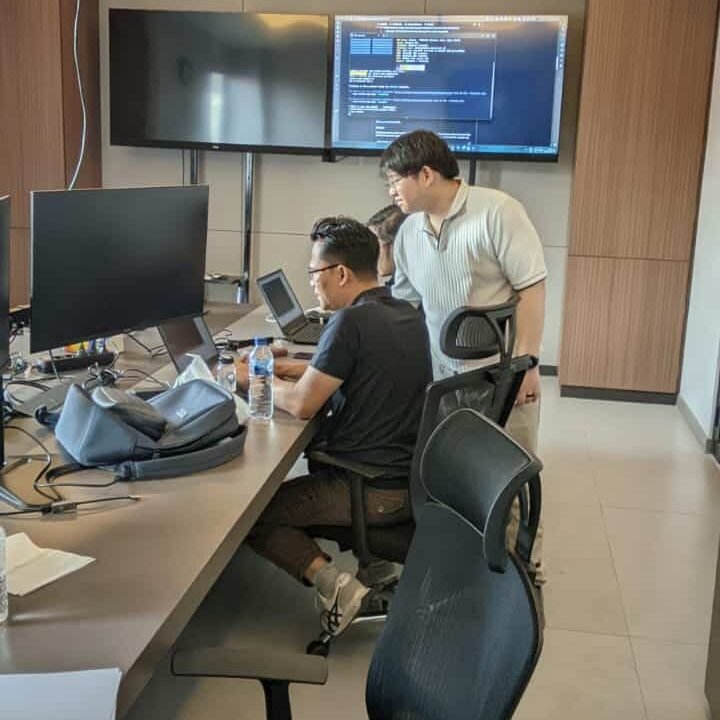
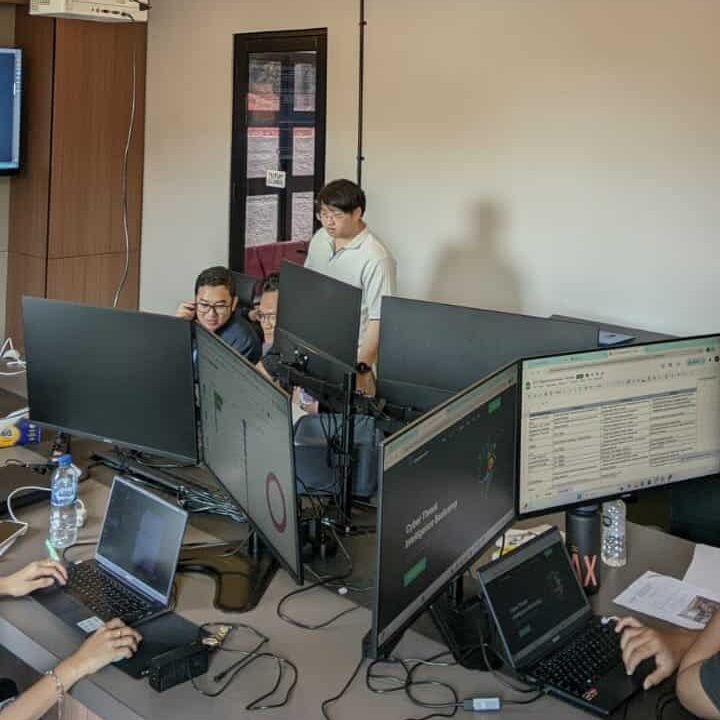
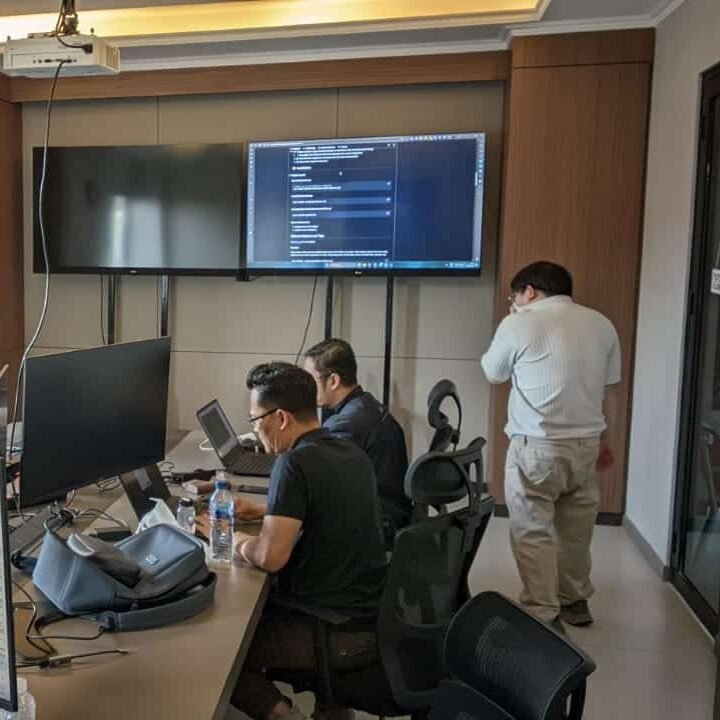
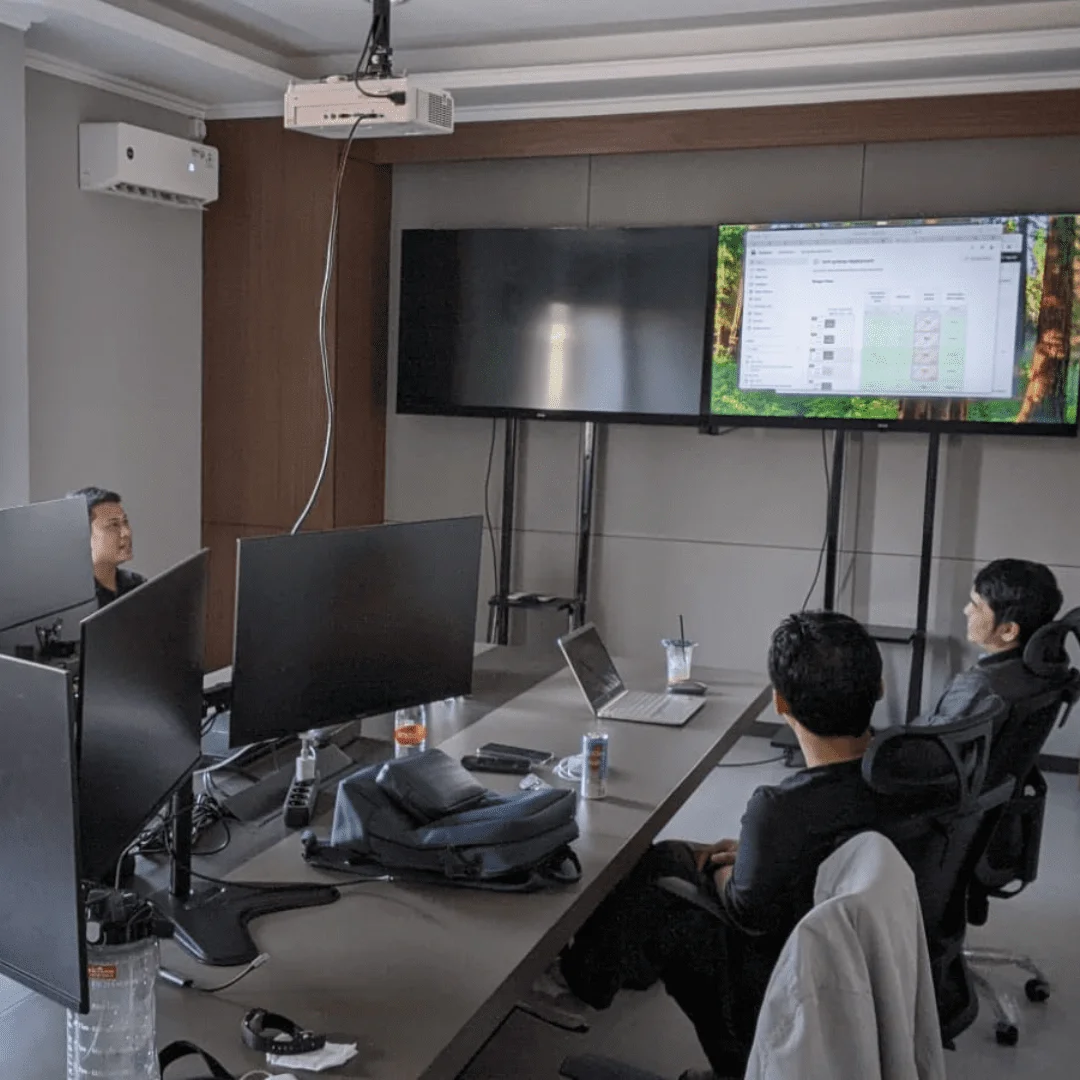
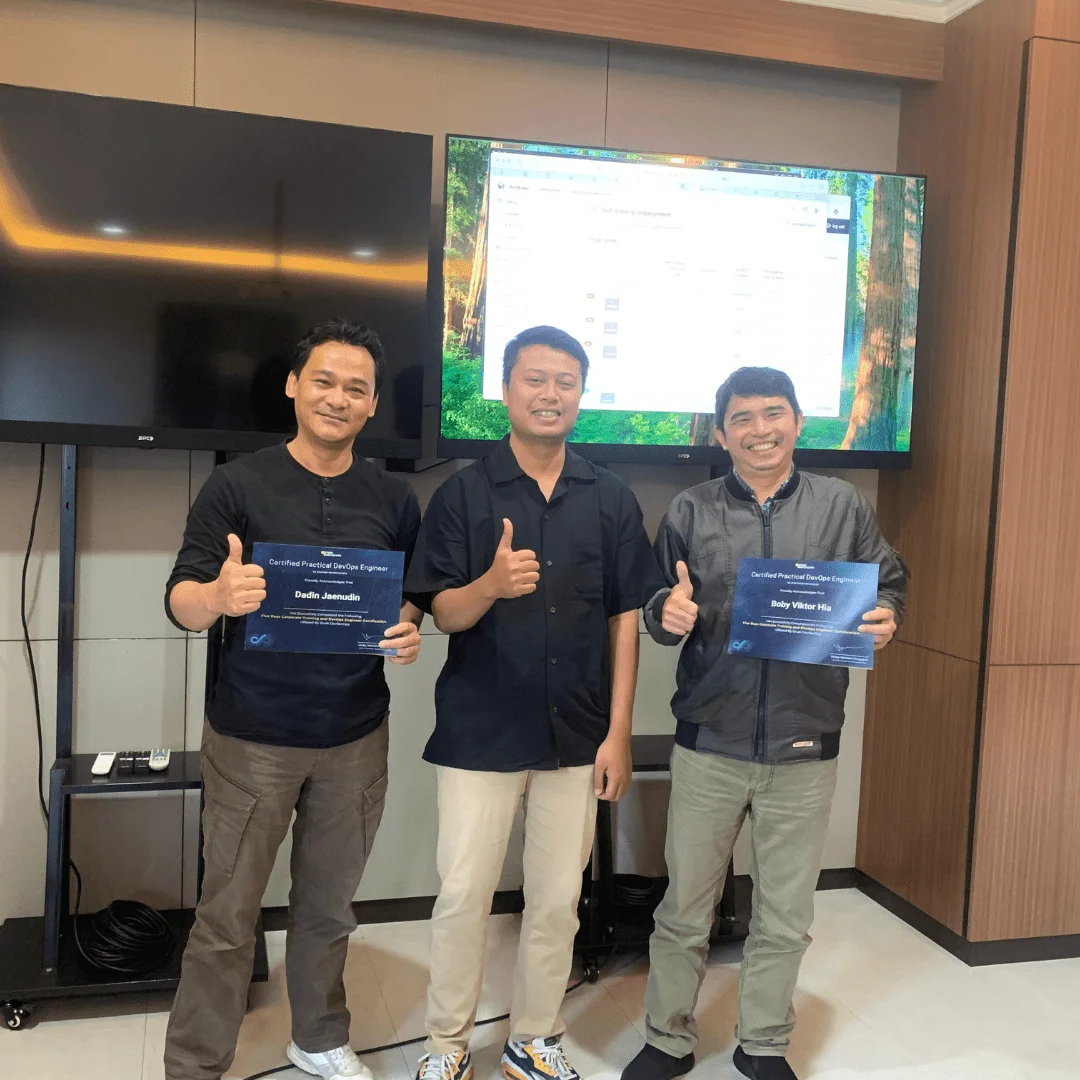
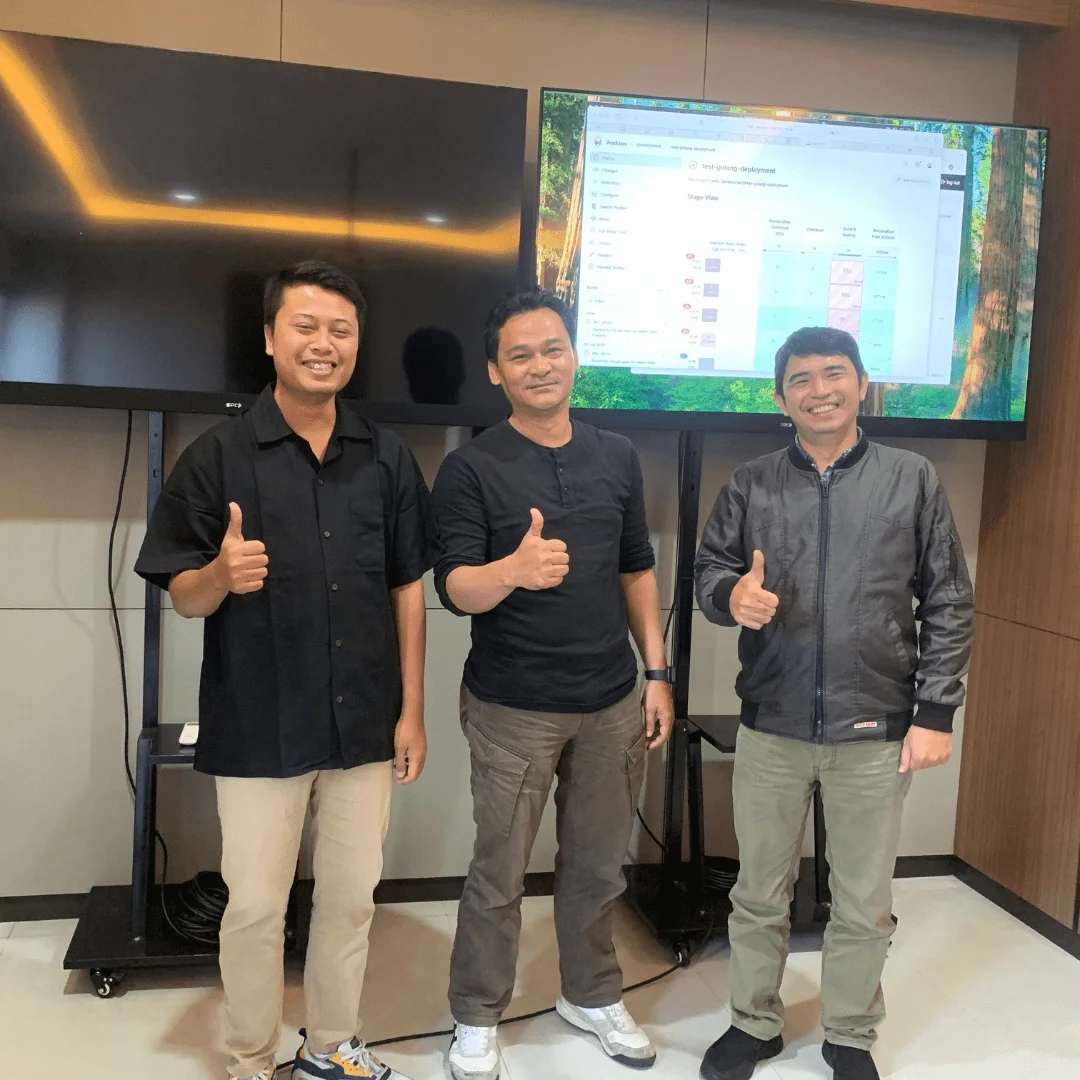
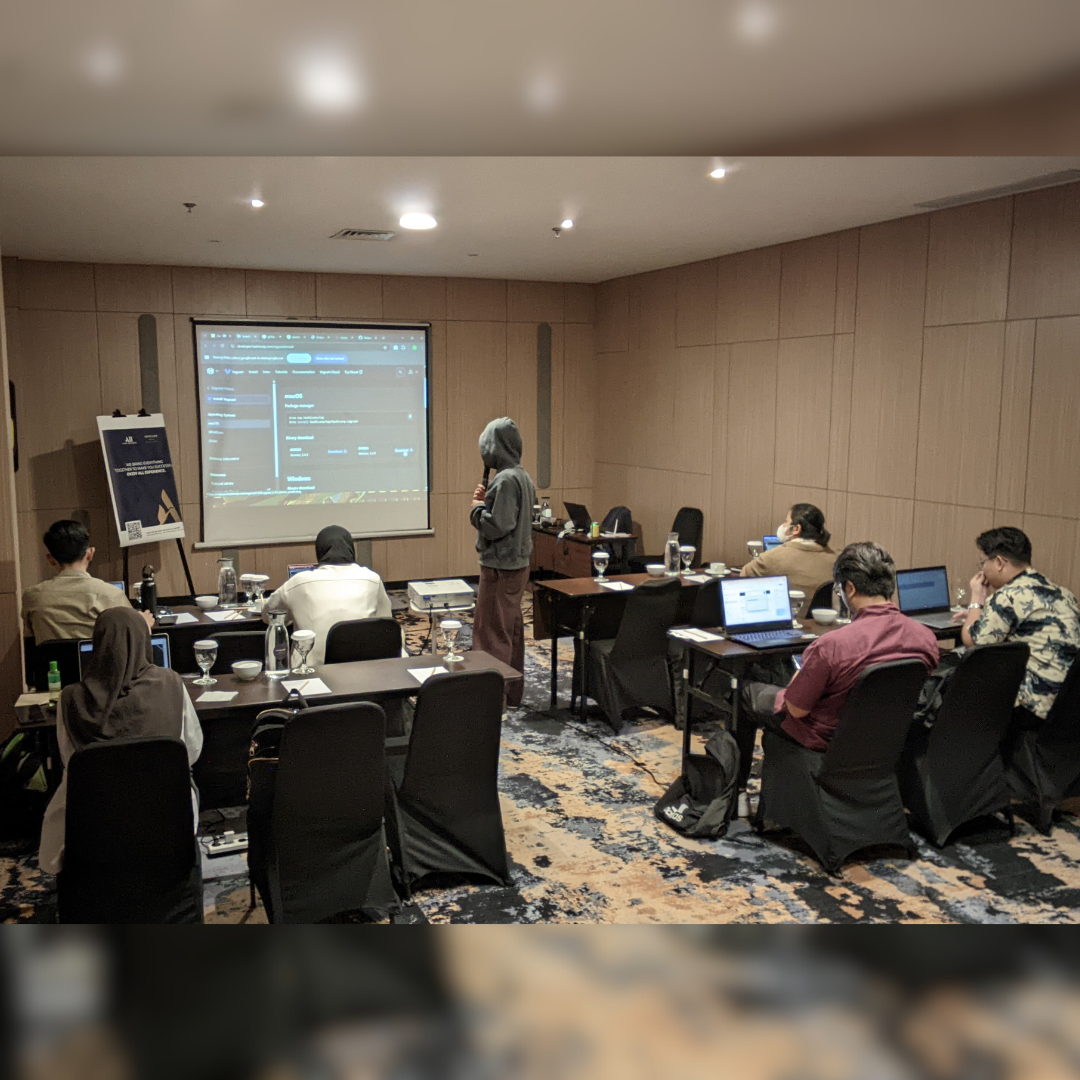
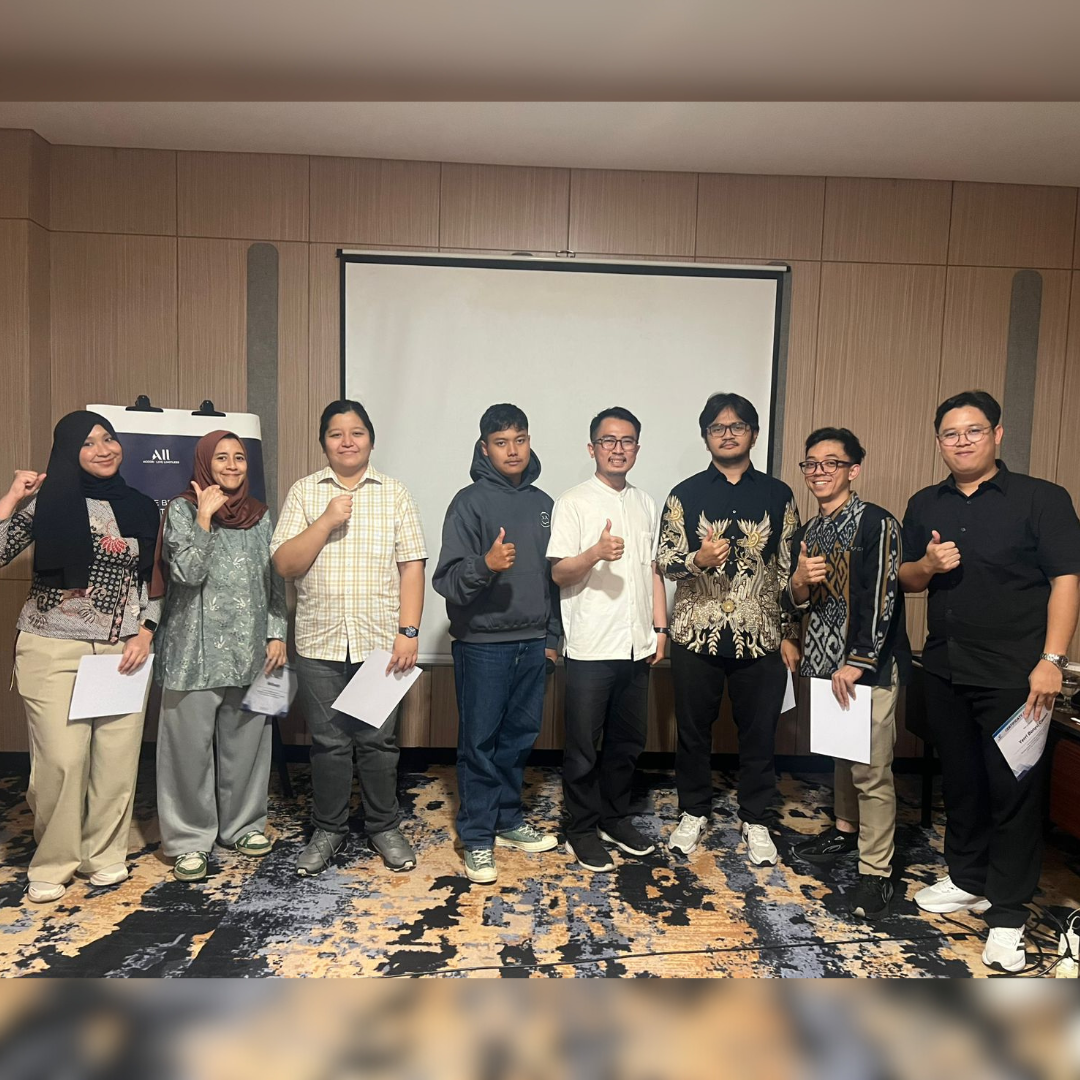
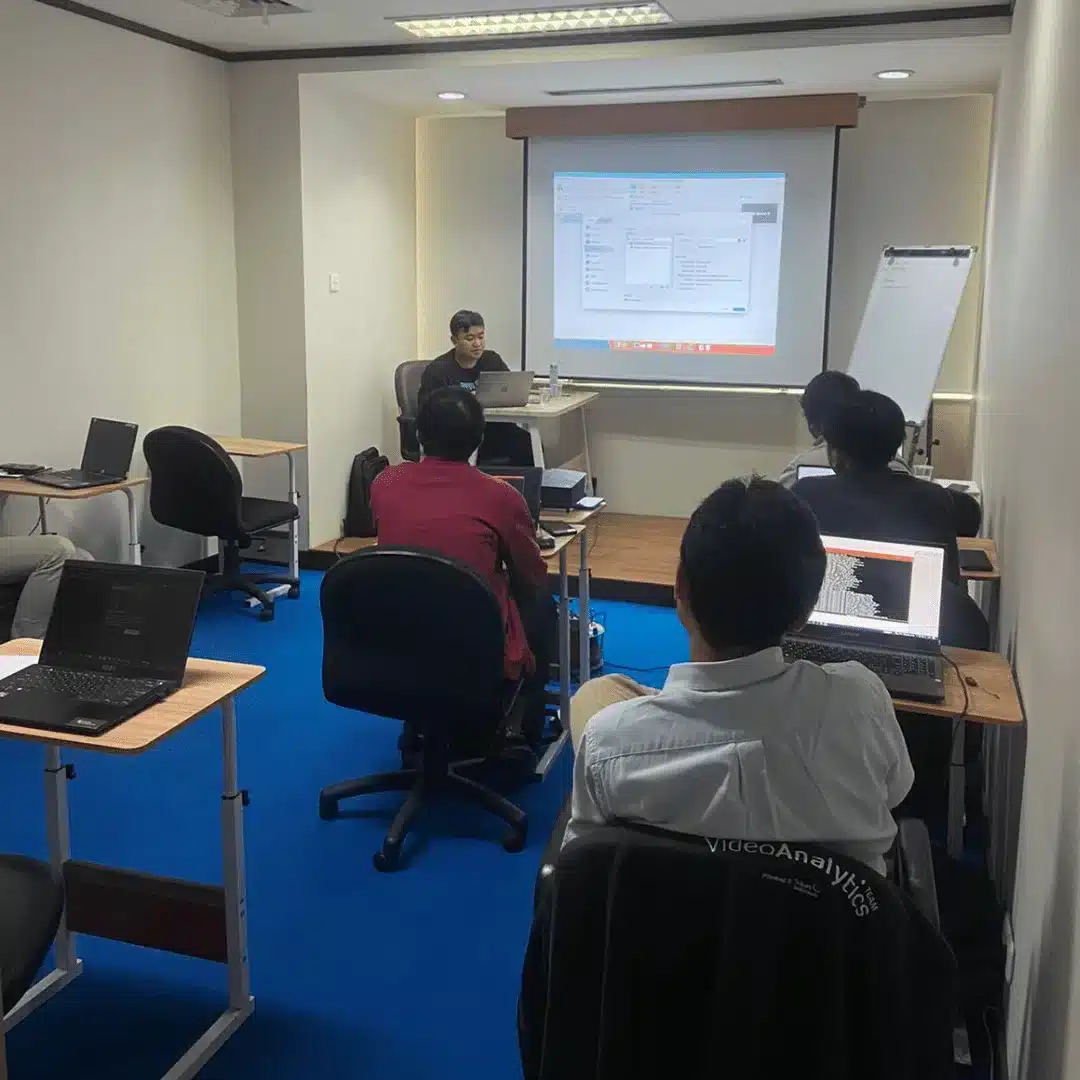
Training Gallery

What Do They Say About This Training

Our Professional Certification

Get Special Prices During the Promotion

Early Bird I

Rp10jt Rp8,5jt/Student
  • Intensive Training (5 Days)
  • Official Training Material (e-Courseware)
  • Official iLabs Access
  • Certificate of Attendance

FAQ

Yes, this training starts from the basics of Linux, making it suitable for beginners, but it is also relevant for participants with prior IT experience.
Yes, each participant is expected to bring their personal laptop. Minimum specifications: 8GB RAM, i5 processor or equivalent, and free space for VM.
Of course, all materials are accompanied by hands-on labs using VMs or cloud servers so that participants become familiar with real-life scenarios.
Yes, every participant who passes the evaluation and project will receive an official certificate from Temika Cyber.
Yes, participants will have access to the alumni community as well as additional materials to deepen their skills.
Indonesian language as the main language, but technical terms and documentation will use English according to industry standards.
Yes, on the last day the participants will work on the final project which involves the configuration and deployment of a Linux server complete with security, monitoring, and automation.

They have entrusted it to us